



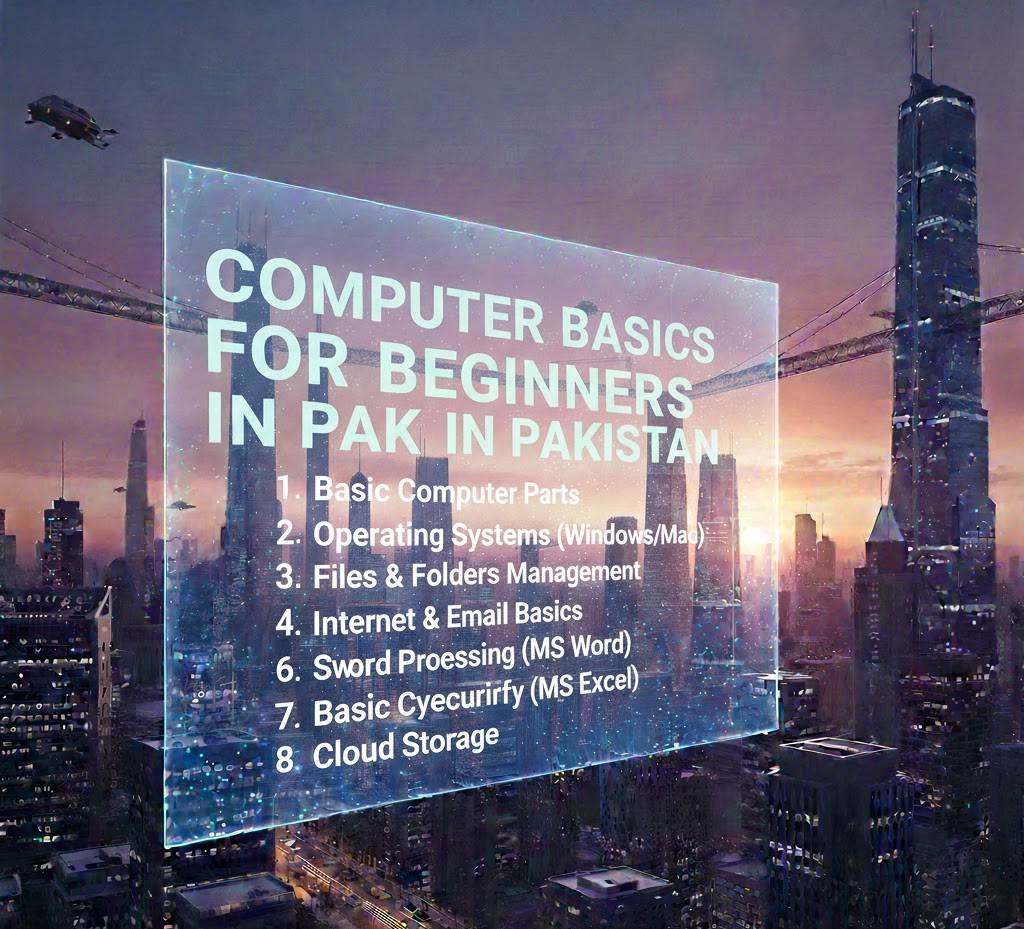
Computer Basics for Beginners in Pakistan
Have you ever watched someone confidently use a computer and thought, “I wish I understood all of that”? Maybe you’re a student filling out online forms, attending virtual classes, or thinking about freelancing but feel held back because your computer skills are limited. You’re not alone.
In Pakistan today, basic computer knowledge is no longer optional. From university admissions and government job applications to online banking and remote work, nearly everything is connected to digital systems. Whether you live in Karachi, Lahore, Islamabad, or a smaller city, understanding computer basics can open doors to education, employment, and independence.
In this guide, we’ll walk through computer basics in a clear and practical way no confusing technical jargon. You’ll learn what a computer really is, how it works, the essential parts you should understand, common software skills, internet basics, and how to start building confidence as a beginner in Pakistan.
Let’s start from the beginning.
What Is a Computer? (Beyond the Simple Definition)
Most people define a computer as “an electronic machine that processes data.” That’s technically correct—but not very helpful.
Think of a computer as a powerful assistant. You give it instructions (input), it processes them, and then it gives you results (output). For example:
-
You type a message → the computer displays it on screen.
-
You search on Google → the computer shows results.
-
You enter numbers in Excel → it calculates totals.
At its core, a computer performs three main functions:
-
Input – Receiving data (keyboard, mouse, scanner)
-
Processing – Working on that data (CPU)
-
Output – Showing results (monitor, printer, speakers)
Understanding this simple flow makes everything else easier to grasp.
Types of Computers You Should Know
As a beginner in Pakistan, you’ll mostly interact with these types:
1. Desktop Computer
A desktop includes:
-
Monitor
-
CPU (system unit)
-
Keyboard
-
Mouse
Common in offices, schools, and computer labs.
2. Laptop
Portable computer with built-in screen and keyboard. Ideal for students and freelancers.
3. Tablet & Smartphone
While not traditional computers, they function similarly and are widely used for online classes and business in Pakistan.
If you’re serious about developing skills, a laptop or desktop offers more flexibility than a mobile phone.
Basic Computer Hardware Explained Simply
Hardware refers to the physical parts you can touch.
Central Processing Unit (CPU)
The CPU is often called the “brain” of the computer. It performs calculations and processes instructions. The faster the processor (like Intel i3, i5, Ryzen), the smoother your computer runs.
RAM (Random Access Memory)
RAM is short-term memory. It helps your computer run multiple programs at once.
-
4GB RAM – Basic usage
-
8GB RAM – Good for students
-
16GB+ – Advanced tasks like design or video editing
Hard Drive / SSD
This is storage space where your files are saved.
-
HDD (Hard Disk Drive) – Slower but cheaper
-
SSD (Solid State Drive) – Faster and recommended
For students, at least 256GB SSD is ideal.
Input Devices
-
Keyboard
-
Mouse
-
Webcam
-
Microphone
Output Devices
-
Monitor
-
Printer
-
Speakers
Understanding these parts helps you troubleshoot basic issues.
What Is Software?
If hardware is the body, software is the brain’s instructions.
Software tells the computer what to do.
Types of Software
1. Operating System (OS)
The operating system controls everything. Examples:
-
Windows (most common in Pakistan)
-
macOS
-
Linux
If you use a laptop in Pakistan, it’s likely running Windows 10 or 11.
2. Application Software
Programs you use daily:
-
Microsoft Word
-
Excel
-
PowerPoint
-
Google Chrome
-
Zoom
These are tools that help you complete tasks.
3. Utility Software
Helps maintain the system:
-
Antivirus programs
-
Disk cleanup tools
For beginners, focus first on learning Windows and Microsoft Office.
Basic Computer Skills Every Student Should Learn
Here’s where theory becomes practical.
1. Typing Skills
Fast typing increases productivity. Aim for:
-
30–40 words per minute as a beginner
-
Practice daily using typing websites
2. File Management
Learn how to:
-
Create folders
-
Rename files
-
Save documents correctly
-
Use USB drives
Many students lose assignments because they don’t know where files are saved.
3. Microsoft Word Basics
You should know how to:
-
Format text
-
Change font size
-
Insert images
-
Create simple documents
-
Save as PDF
Word is essential for assignments, CVs, and applications.
4. Excel Fundamentals
Excel is powerful and in high demand. Start with:
-
Entering data
-
Basic formulas (SUM, AVERAGE)
-
Sorting data
-
Creating simple tables
Excel skills increase job opportunities significantly.
5. PowerPoint
Used for:
-
Class presentations
-
Business proposals
-
Training sessions
Learn slide formatting and inserting visuals.
Understanding the Internet (In Simple Terms)
The internet connects computers worldwide.
When you type a website address:
-
Your browser sends a request.
-
A server responds.
-
The page loads.
Web Browsers
Examples:
-
Google Chrome
-
Microsoft Edge
-
Mozilla Firefox
Search Engines
Google is a search engine. It helps you find information.
Important skill:
Learn how to search properly using clear keywords instead of full sentences.
Email Basics Every Student Must Know
Email is still a professional requirement.
Learn how to:
-
Create a Gmail account
-
Send formal emails
-
Attach files
-
Use subject lines properly
For example, instead of writing:
“Hi sir send my assignment”
Write:
“Subject: Assignment Submission – Computer Basics Class”
Professional communication matters.
Cybersecurity Basics for Beginners
Many students in Pakistan fall victim to scams.
Important Rules:
-
Never share OTP codes.
-
Use strong passwords.
-
Avoid suspicious links.
-
Install antivirus software.
Your digital safety is just as important as your physical safety.
Practical Computer Applications in Pakistan
Let’s make this real.
Education
-
Online classes via Zoom
-
LMS portals
-
Online admissions
Government Services
-
NADRA applications
-
Online tax filing
-
Passport appointments
Freelancing
Platforms like:
-
Fiverr
-
Upwork
-
Freelancer
All require basic computer literacy.
Online Earning
Skills like:
-
Data entry
-
Graphic design
-
Digital marketing
-
Content writing
All start with computer basics.
Common Mistakes Beginners Make
1. Fear of Breaking the Computer
You won’t damage the system by exploring basic features.
2. Ignoring Practice
Watching tutorials isn’t enough. Practice daily.
3. Skipping Fundamentals
Jumping into advanced skills without learning basics leads to confusion.
4. Relying Only on Mobile Phones
Phones are useful but serious skill-building requires a computer.
How to Start Learning Computer Basics in Pakistan
If you’re a beginner, here’s a simple plan:
-
Learn typing (daily practice).
-
Understand Windows basics.
-
Master Microsoft Word.
-
Learn Excel basics.
-
Explore the internet safely.
-
Practice email communication.
You can:
-
Join a local computer course center.
-
Take online classes.
-
Watch structured YouTube tutorials.
Consistency matters more than speed.
Career Opportunities After Learning Computer Basics
Basic skills are not the final goal they’re the foundation.
After mastering basics, you can move toward:
-
Graphic design
-
Web development
-
SEO and digital marketing
-
E-commerce
-
Programming
-
Data analysis
In Pakistan’s growing digital economy, computer literacy is becoming a minimum requirement—even for non-technical jobs.
Offices now expect employees to:
-
Use spreadsheets
-
Manage digital documents
-
Communicate via email
-
Work remotely
Those without basic computer knowledge risk being left behind.
Why Computer Literacy Is a Long-Term Investment
Technology is not slowing down. Artificial intelligence, automation, and remote work are expanding globally and Pakistan is part of this transformation.
Students who understand computers early:
-
Adapt faster
-
Earn more opportunities
-
Work internationally
-
Build online businesses
It’s not just about learning software. It’s about building confidence in the digital world.
FAQs: Computer Basics for Beginners in Pakistan
1. How long does it take to learn computer basics?
With daily practice, most beginners can understand fundamentals within 1–3 months.
2. Is it necessary to join a computer course?
Not mandatory, but structured courses help beginners learn faster and more systematically.
3. What is the most important software to learn first?
Start with Microsoft Word and Windows basics. Then move to Excel.
4. Can I learn computer skills using only a mobile phone?
You can learn theory, but practical computer skills require a laptop or desktop.
5. Are computer basics enough to get a job?
Basic skills qualify you for entry-level jobs. Advanced skills increase earning potential.
Conclusion
Computer basics are no longer a luxury skill in Pakistan they are a necessity. From education to employment, from freelancing to entrepreneurship, digital literacy forms the foundation of opportunity.
The good news? You don’t need to be a technical genius. You simply need curiosity, consistency, and practice. Start small. Learn how files work. Practice typing. Explore Microsoft Office. Send professional emails. Gradually, your confidence will grow.
Remember, every expert once struggled with the basics. The difference is that they didn’t stop.
If you invest in computer literacy today, you’re investing in your future career, independence, and success in a digital Pakistan.
Tags :
No Tags

0 Comments