Video Editing Masterclass (Basics to Advance)
Course Description
Video Editing is the art of turning raw footage into engaging, professional-quality content. It combines creativity, storytelling, audio production, visual effects, and technical skills to produce videos for social media, education, business, and entertainment.
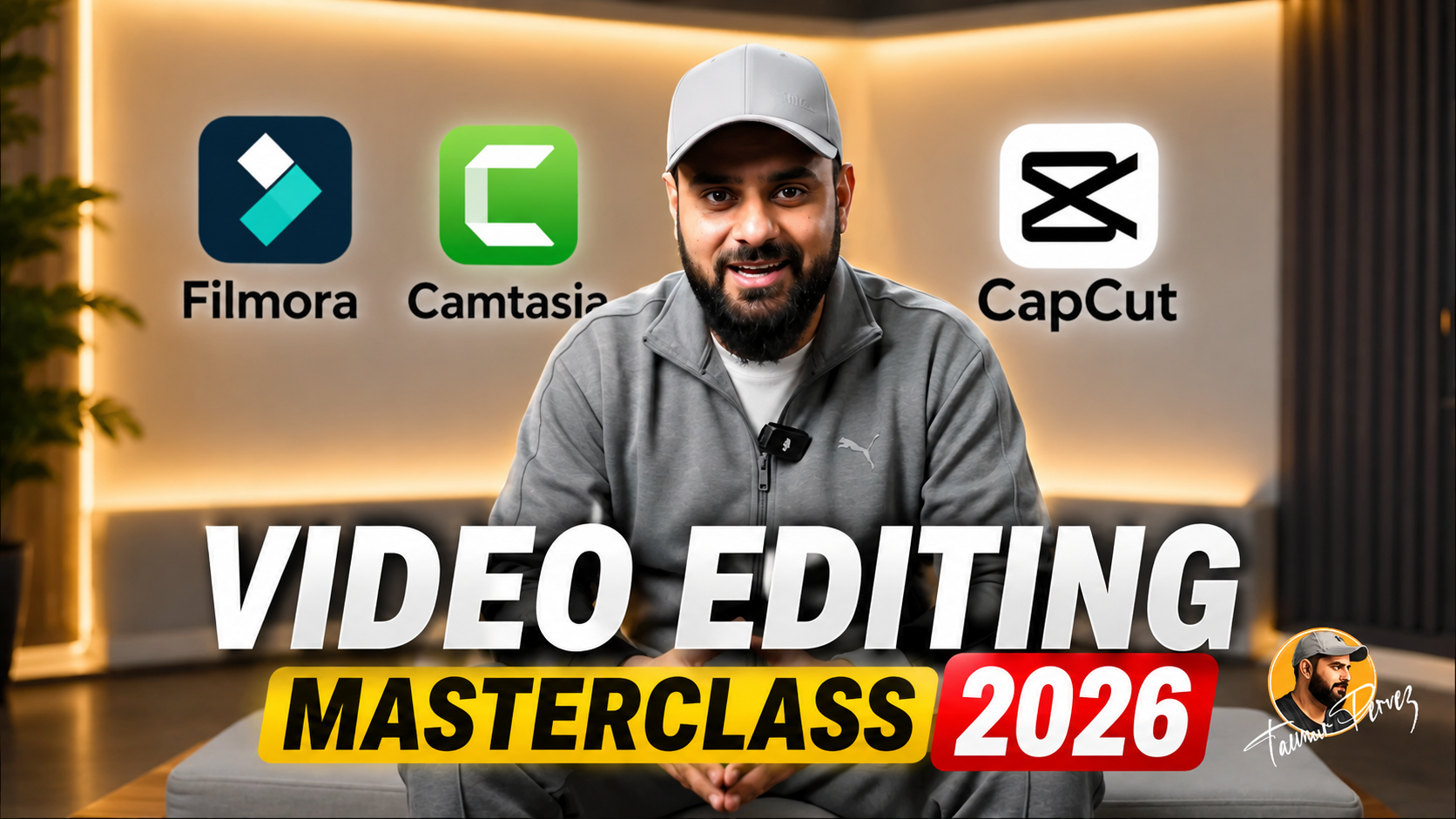
This Masterclass covers three of the most powerful video editing platforms: Filmora for easy and creative editing, Camtasia for professional screen recording and tutorial creation, and CapCut for modern social media content creation. All explained step-by-step in simple Urdu and Hindi, so there's no language barrier holding you back.
Whether your goal is to become a content creator, freelance on Fiverr or Upwork, or grow your own YouTube/social media channel , this course gives you everything you need — from the very basics to advanced, real-world projects.
📘 What You Will Learn
✅ How to navigate and use Filmora, Camtasia, and CapCut like a professional
✅ Importing, organizing, and managing video, audio, and image files
✅ Cutting, trimming, splitting, and merging video clips professionally
✅ Adding transitions, effects, filters, and animations
✅ Creating engaging text titles, captions, and lower thirds
✅ Editing and enhancing audio with noise reduction and sound effects
✅ Color correction and color grading
✅ Using keyframes for smooth animations and motion effects
✅ Creating Green Screen (Chroma Key) videos
✅ Recording and editing professional screen tutorials using Camtasia
✅ Producing YouTube videos, Shorts, Reels, and TikTok content
✅ Working with AI-powered editing tools in Filmora and CapCut
✅ Exporting videos in different formats and resolutions
✅ Creating professional video projects from start to finish
✅ Building a freelancing portfolio for Fiverr, Upwork, and social media services
💻 Who Should Join This Course?
🎓 Students who want to build a career in content creation
🧑💻 Freelancers who want to start earning through video editing
📢 Marketers who want to create promotional and business videos
🎥 Content creators who want to grow their YouTube, Instagram, or TikTok channel
🌱 Absolute beginners with zero editing experience — this course starts from the basics
🧩 Prerequisites
You don't need any prior editing experience. All you need is:
🎬 A basic interest in video editing or content creation
💻 Basic computer knowledge
🌐 Internet usage and basic file management skills
🎥 Optional: A smartphone or camera for recording practice videos
📱 System Compatibility
This course is accessible on all your devices:
🪟 Windows PC and laptops
🍎 macOS (all recent versions)
🤖 Android smartphones and tablets
📱 iPhone and iPad (iOS devices)
Learn anytime, anywhere on your desktop, laptop, tablet, or mobile 🌍.
💰 One-Time Payment Lifetime Access
🚫 No subscriptions 🚫 No hidden charges 🚫 No monthly fees.
You pay once ✅, and you get lifetime access ♾️ to the entire course. Watch the videos as many times as you want, whenever you want — there's no expiry date ⏳❌.
🔄 Free Lifetime Updates
Video editing tools and trends keep changing
🔄 and so does this course. Whenever we add new lessons
📚, new tools 🛠️, new techniques, or update existing content,
you'll get it completely free 🆓. No extra payment, ever. You pay once and stay updated for life 🎉.
🎓 Certification
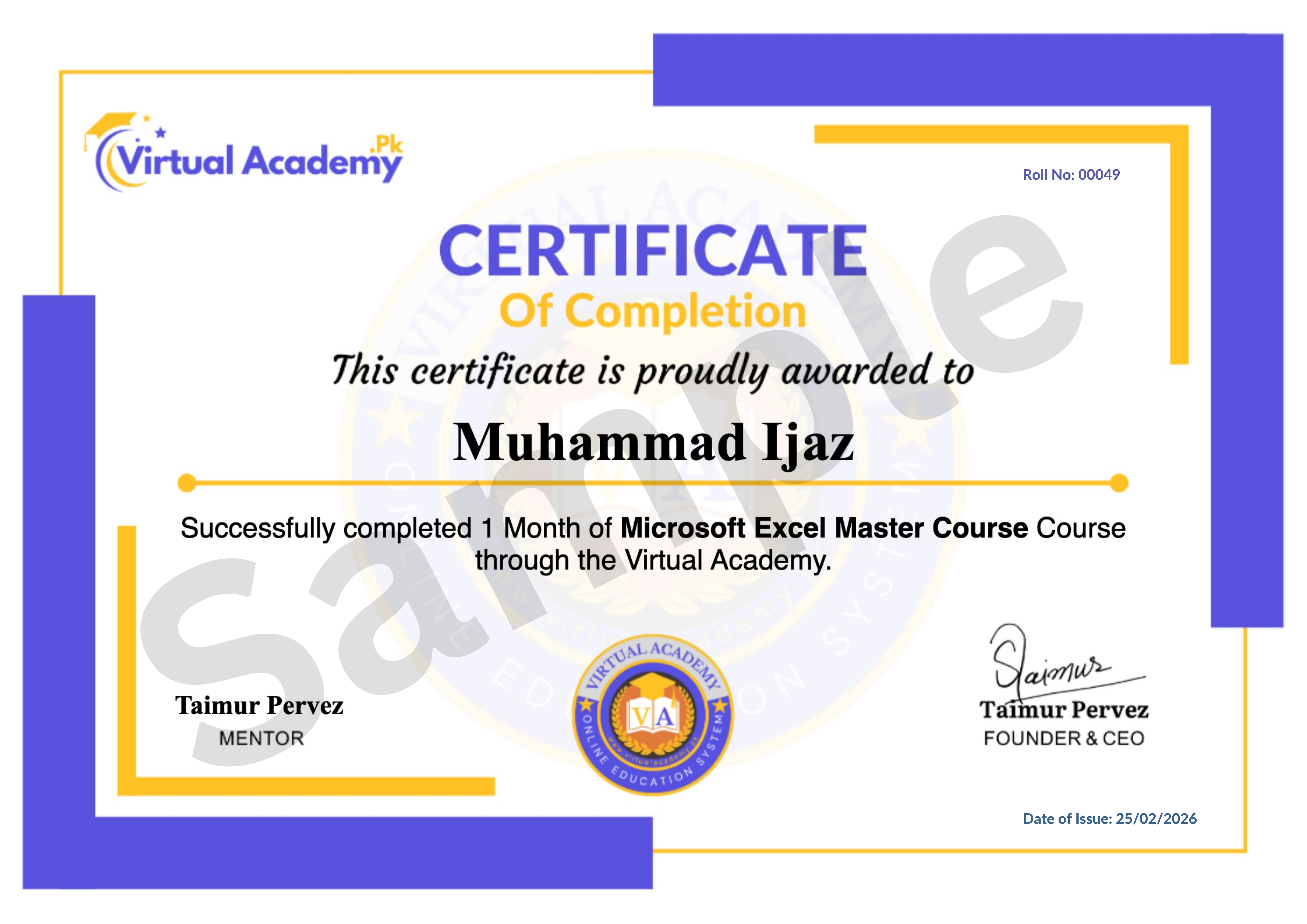
This course is hosted on Virtual Academy LMS (www.virtualacademy.pk). Upon successful completion, you will receive a Registered Diploma/Certificate 🏅 that you can add to your resume, portfolio, or LinkedIn profile.
To earn your certificate, you need to:
✅ Complete all chapters on the LMS
✅ Attempt and pass the quizzes associated with each chapter
✅ Submit any required assignments or video editing projects
Once completed, your Diploma will be available to download directly from the LMS.
🚀 Why Enroll Now?
Video content isn't slowing down it's growing every single day 📈. From YouTube to Reels to TikTok, the demand for skilled video editors keeps increasing. The sooner you start learning, the sooner you can start earning whether through freelancing, content creation, or your own channel.
🎯 One-time payment. Lifetime access. Lifetime updates. Zero risk.
📞 Need Help? Contact Us on WhatsApp!
Have any questions about the course? 🤔 Feel free to reach out to us on WhatsApp 📱 — we're here to help!
⏱️ We try our best to reply within 30 minutes to 1 hour.
👉 Just message us anytime, and our team will guide you regarding the course, enrollment, or any other queries you may have.
📲 Click here to chat: wa.me/923215124534
🔥 Enroll today and start your journey toward becoming a professional video editor! 🎬✨
Course Details
-
Lesson No 1 : Filmora (Locked) 10:23 Min

-
Lesson No 2 : Filmora (Locked) 07:26 Min
-
Lesson No 3 : Filmora (Locked) 03:35 Min
-
Module 1: QUIZ (Locked)
No Notes available for this chapter
-
Lesson No 1 : Filmora (Locked) 06:15 Min
- Lesson No 2 : Filmora
-
Lesson No 3 : Filmora (Locked) 11:05 Min
-
Module 2: QUIZ (Locked)
No Notes available for this chapter
-
Lesson No 1 : Filmora (Locked) 07:13 Min
-
Lesson No 2 : Filmora (Locked) 12:32 Min
-
Module 3: QUIZ (Locked)
No Notes available for this chapter
-
Lesson No 1 : Filmora (Locked) 09:51 Min
-
Lesson No 2 : Filmora (Locked) 08:24 Min
-
Lesson No 3 : Filmora (Locked) 03:21 Min
-
Lesson No 4 : Filmora (Locked) 05:40 Min
-
Lesson No 5 : Filmora (Locked) 03:24 Min
-
Lesson No 6 : Filmora (Locked) 05:37 Min
-
Module 4: QUIZ (Locked)
No Notes available for this chapter
-
Lesson No 1 : Filmora (Locked) 15:10 Min
-
Lesson No 2 : Filmora (Locked) 13:05 Min
-
Lesson No 3 : Filmora (Locked) 04:09 Min
-
Lesson No 4 : Filmora (Locked) 06:51 Min
-
Lesson No 5 : Filmora (Locked) 11:38 Min
- Lesson No 6: Filmora
-
Module 5: QUIZ (Locked)
No Notes available for this chapter
-
Lesson No 1 : Camtasia (Locked) 02:13 Min
-
Lesson No 2 : Camtasia (Locked) 05:01 Min
-
Module 6: QUIZ (Locked)
No Notes available for this chapter
-
Lesson No 1 : Camtasia (Locked) 12:07 Min
-
Lesson No 2 : Camtasia (Locked) 10:00 Min
-
Lesson No 3 : Camtasia (Locked) 07:29 Min
-
Lesson No 4: Camtasia (Locked) 10:07 Min
-
Module 7: QUIZ (Locked)
No Notes available for this chapter
-
Lesson No 1 : Camtasia (Locked) 13:29 Min
-
Lesson No 2 : Camtasia (Locked) 11:53 Min
-
Lesson No 3 : Camtasia (Locked) 10:43 Min
-
Lesson No 4 : Camtasia (Locked) 09:34 Min
No Quiz For This Chapter.
No Notes available for this chapter
-
Lesson No 1 : Camtasia (Locked) 10:53 Min
-
Lesson No 2 : Camtasia (Locked) 07:43 Min
-
Lesson No 3 : Camtasia (Locked) 10:48 Min
-
Lesson No 4 : Camtasia (Locked) 06:55 Min
-
Module 9: QUIZ (Locked)
No Notes available for this chapter
-
Lesson No 1 : Camtasia (Locked) Min
-
2. Captions in Camtasia (Locked) Min
-
Lesson No 3 : Camtasia (Locked) Min
-
Module 10: Advanced Features & Final Output | Camtasia (Locked)
No Notes available for this chapter
-
Lesson No 1 : CapCut (Locked) 02:40 Min
-
Lesson No 2 : CapCut (Locked) 03:04 Min
-
Lesson No 3 : CapCut (Locked) 01:56 Min
-
Module 11 : QUIZ (Locked)
No Notes available for this chapter
-
Lesson No 1 : CapCut (Locked) 02:10 Min
-
Lesson No 2 : CapCut (Locked) 05:54 Min
-
Lesson No 3 : CapCut (Locked) 03:36 Min
-
Lesson No 4 : CapCut (Locked) 02:55 Min
-
Lesson No 5 : CapCut (Locked) 02:47 Min
-
Module 12: QUIZ (Locked)
No Notes available for this chapter
-
Lesson No 1 : CapCut (Locked) 03:36 Min
-
Lesson No 2 : CapCut (Locked) 01:37 Min
-
Module 13: QUIZ (Locked)
No Notes available for this chapter
-
Lesson No 1 : CapCut (Locked) 02:45 Min
-
Lesson No 2 : CapCut (Locked) 02:04 Min
-
Lesson No 3 : CapCut (Locked) 02:50 Min
-
Lesson No 4: CapCut (Locked) 01:51 Min
-
Lesson No 5 : CapCut (Locked) 04:06 Min
-
Lesson No 6 : CapCut (Locked) 02:08 Min
-
Module 14: QUIZ (Locked)
No Notes available for this chapter
-
Lesson No 1 : CapCut (Locked) 03:10 Min
-
Lesson No 2 : CapCut (Locked) 02:57 Min
-
Lesson No 3 : CapCut (Locked) 04:16 Min
-
Lesson No 4 : CapCut (Locked) 04:10 Min
-
Lesson No 5: CapCut (Locked) 03:44 Min
-
Lesson No 6 : CapCut (Locked) 03:20 Min
-
Lesson No 7 : CapCut (Locked) 02:40 Min
-
Module 5: QUIZ (Locked)
No Notes available for this chapter
 Level
Level
 Duration
 Chapters
 Quizzes
 Certifications
 Language