



Learn HTML5 - For Beginners Complete Course
Course Description
HTML5 (HyperText Markup Language) is the foundation of every website on the internet. Whether you're creating a personal portfolio, business website, blog, landing page, or web application, HTML5 is the first and most essential language every web developer must learn. It provides the structure and content of web pages and works alongside CSS and JavaScript to build modern, responsive websites.
The Learn HTML5 – Complete Course for Beginners (Basics to Advanced) is designed to take you from absolute beginner to confident web developer. Every lesson is explained step-by-step in simple Urdu and Hindi, making it easy for anyone to learn web development without any language barrier.
Whether your goal is to become a Front-End Web Developer, Full-Stack Developer, Freelancer, Web Designer, or simply build your own websites, this course provides practical skills, real-world projects, and industry-standard coding techniques that you can apply immediately.
📘 What You Will Learn
After completing this course, you will be able to:
✅ Understand how websites and the internet work
✅ Learn the complete HTML5 syntax and document structure
✅ Create professional web pages from scratch
✅ Work with headings, paragraphs, lists, and text formatting
✅ Add images, hyperlinks, audio, and video to web pages
✅ Create professional tables and data layouts
✅ Build responsive forms with HTML5 input types
✅ Use semantic HTML5 elements for modern web development
✅ Embed maps, YouTube videos, and external content
✅ Organize web pages using sections, articles, headers, footers, and navigation
✅ Understand HTML entities, comments, and metadata
✅ Build responsive page layouts using proper HTML structure
✅ Follow web accessibility and SEO-friendly coding practices
✅ Create complete real-world website projects
✅ Prepare HTML files for CSS and JavaScript integration
✅ Publish websites on web hosting servers
✅ Build a professional portfolio for jobs and freelancing
💻 Who Should Enroll?
This course is perfect for:
🎓 Students interested in web development
💻 Beginner web developers
🎨 Web designers
🧑💻 Freelancers
📢 Digital marketers
🏢 Business owners creating their own websites
🌱 Absolute beginners with no previous coding experience
Anyone who wants to learn website development from scratch
🧩 Course Prerequisites
No previous HTML or programming experience is required.
You only need:
💻 Basic computer knowledge
🌐 Basic internet browsing skills
🖥️ Windows PC, Mac, or Laptop
📝 A text editor (such as VS Code or Notepad++)
💡 Passion for learning web development
📱 System Compatibility
Learn anytime, anywhere.
This course is accessible on:
🪟 Windows PC & Laptop
🍎 macOS
🐧 Linux
🤖 Android Smartphones & Tablets (for watching lessons)
📱 iPhone & iPad (iOS devices)
Access your lessons from desktop, laptop, tablet, or mobile whenever it's convenient.
💰 One-Time Payment – Lifetime Access
There are:
🚫 No monthly subscriptions
🚫 No hidden charges
🚫 No recurring fees
Pay once and enjoy:
✅ Lifetime access to every lesson
♾️ Unlimited video replays
📚 Learn at your own pace
⏳ No expiry date
🔄 Free Lifetime Updates
Web technologies continue to evolve, and this course evolves with them.
Whenever we publish:
📚 New HTML5 lessons
🛠️ Modern web development practices
🌐 Latest HTML5 features
📱 Responsive design techniques
🤖 AI-assisted coding workflows
You'll receive every update completely FREE.
No additional payments. Ever.
🎓 Certificate / Diploma
This course is hosted on Virtual Academy LMS.
🌐 Website:
After successfully completing the course, you'll receive a Registered Diploma/Certificate that can be added to your:
🏅 Resume
📄 CV
💼 LinkedIn Profile
🌍 Freelancing Portfolio
To receive your certificate, simply:
✅ Complete all course chapters
✅ Pass the quizzes
✅ Submit required assignments or website projects
Your certificate will then be available for download directly from the LMS.
🚀 Why Choose This Course?
✔ Beginner to Advanced Learning Path
✔ Complete HTML5 Training
✔ Modern Web Development Techniques
✔ Practical Website Projects
✔ Semantic HTML5 & Best Practices
✔ SEO-Friendly Coding
✔ Responsive Web Development Foundation
✔ Urdu/Hindi Language
✔ Freelancing Guidance
✔ Lifetime Access
✔ Lifetime Updates
✔ Registered Certificate
✔ Learn at Your Own Pace
📞 Need Help?
If you have any questions regarding the course, enrollment process, or learning path, our team is ready to help.
WhatsApp:
⏱️ We usually respond within 30 minutes to 1 hour during working hours.
🔥 Enroll Today
HTML5 is the first step toward becoming a professional web developer. It is the foundation of every modern website and an essential skill for anyone interested in web design, front-end development, freelancing, or building an online business.
Start learning today and build a valuable technical skill that can help you create professional websites, launch your web development career, or earn online through freelancing.
One-Time Payment • Lifetime Access • Free Lifetime Updates • Registered Certificate
Start your HTML5 web development journey today with Virtual Academy.
Course Details
- 1. HTML5 Course Introduction
- 2. What is HTML and CSS – Beginner Guide
- 3. VS Code Setup for HTML Coding
-
Chapter No 1 Course Introduction and Setup
No Notes available for this chapter
-
1. Create and Open HTML Pages (Locked) 07:46 Min

-
2. Basic HTML Code Structure (Locked) 09:29 Min
-
3. Meta Tags and SEO in HTML (Locked) 06:46 Min
-
Chapter No 2 Getting Started with HTML (Locked)
No Notes available for this chapter
-
1. Headings and Paragraphs in HTML (Locked) 08:02 Min
-
2. Add Links in HTML (Locked) 07:05 Min
-
3. Add Images in HTML (Locked) 08:00 Min
-
Chapter No 3 Text & Structure Elements (Locked)
No Notes available for this chapter
-
1. Lists in HTML (Locked) 06:06 Min
-
2. Tables in HTML (Locked) 06:47 Min
-
Chapter No 4 List & Table In HTML (Locked)
No Notes available for this chapter
-
1. Block vs Inline Elements (Locked) 05:35 Min
-
2. Div, Span, Classes & IDs (Locked) 10:52 Min
-
Chapter No 5 Html Elements & Grouping (Locked)
No Notes available for this chapter
-
1. Forms and Input Types (Locked) 20:55 Min
-
2. HTML Entities (Locked) 08:14 Min
-
Chapter No 6 Forms & Inputs (Locked)
No Notes available for this chapter
-
1. Semantic Tags in HTML (Locked) 03:48 Min
-
2. Add Audio and Video in HTML5 (Locked) 07:39 Min
-
Chapter No 7 Semantic & Media Tags (Locked)
No Notes available for this chapter
Meet Your Instructor(s)

Usama Tahir
Instructor
Rs 850
Rs 2200
Course includes:
-
 Level
Advanced
Level
Advanced
-
 Duration
1 Month
Duration
1 Month
-
 Chapters
7
Chapters
7
-
 Quizzes
7
Quizzes
7
-
 Certifications
yes
Certifications
yes
-
 Language
urdu
Language
urdu
Secure Payment:

Diploma Sample
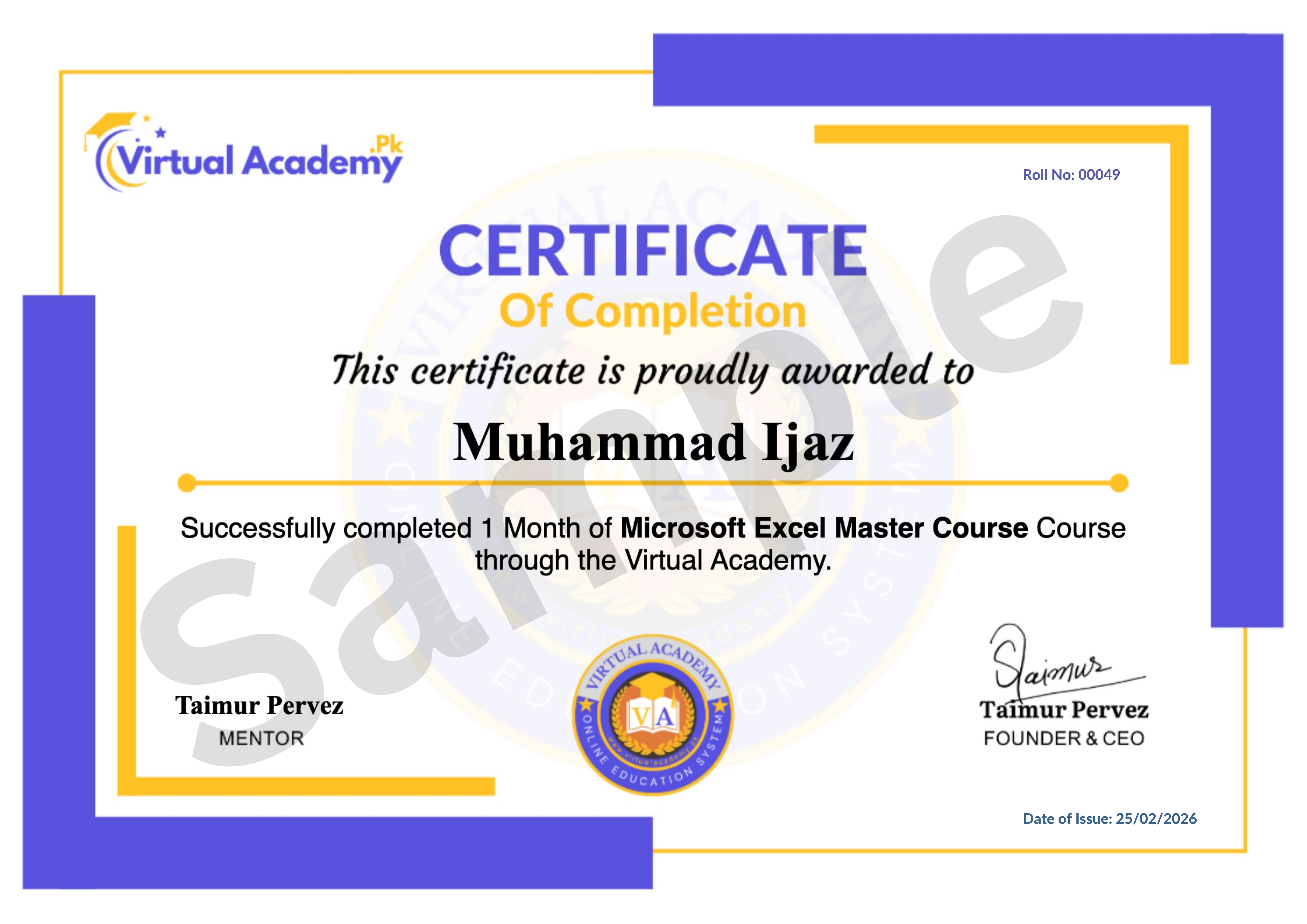
Complete all chapters & pass the quizzes to earn this Registered Diploma from Virtual Academy LMS.