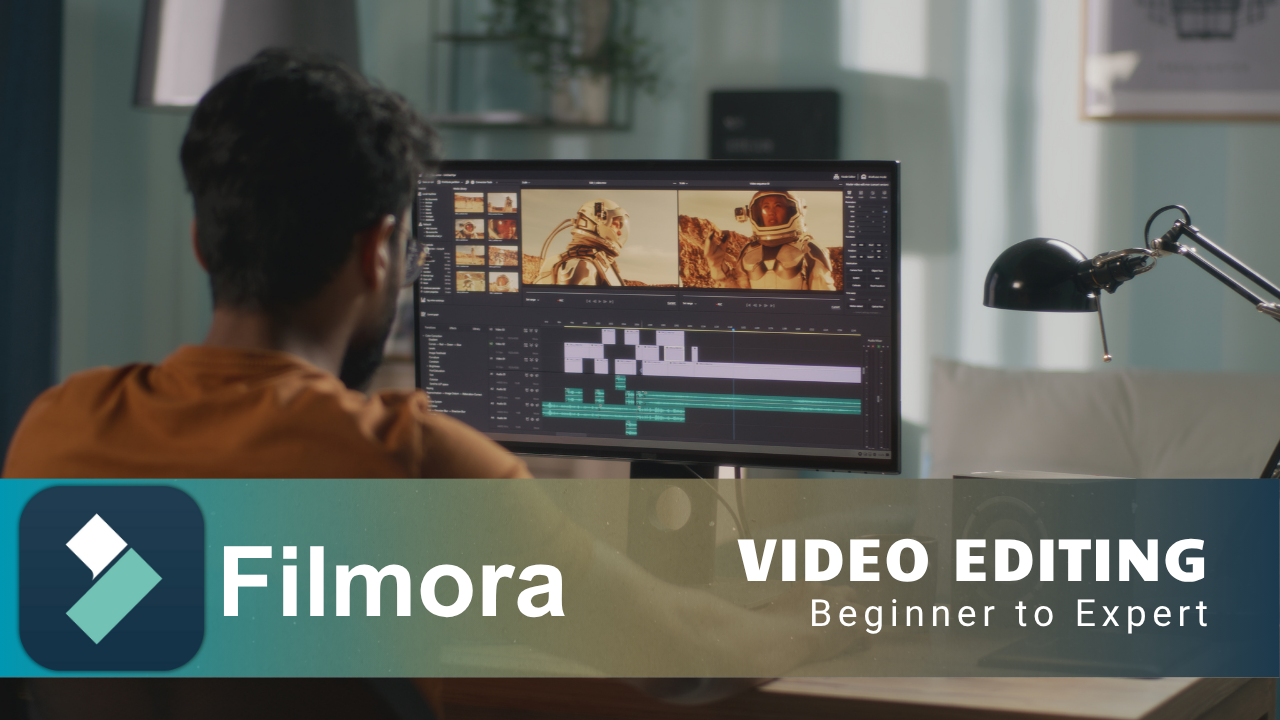
Filmora Video Editing Complete Course - Basics to Advanced
Course Description
After completing this course, you will be able to edit videos professionally using Filmora. The course covers all essential and advanced features, including timeline editing, transitions, effects, titles, color grading, audio editing, and AI-powered tools.
Filmora is a user-friendly yet powerful video editing software developed by Wondershare. It allows you to edit videos and add effects, titles, transitions, animations, and audio enhancements. This course also covers advanced AI features, motion tracking, stabilization, and color grading to help you produce professional-level content.
Whether you are a beginner, content creator, freelancer, or business owner, this course will help you produce high-quality videos for YouTube, social media, and professional projects.
What You Will Learn
- Understand the Filmora interface and workspace
- Import, trim, and arrange clips on the timeline
- Add transitions, effects, and text overlays
- Use keyframes and animations to enhance your videos
- Adjust color, brightness, and contrast for better video quality
- Sync and edit background music and voiceovers
- Apply AI tools such as Auto Reframe and Audio Denoise
- Export high-quality videos for YouTube and social media
- Learn professional editing shortcuts and workflow tips
- Create complete video projects from start to finish
Who Should Join This Course?
- Content creators and YouTubers
- Social media marketers and managers
- Freelance video editors
- Business owners creating promotional videos
- Beginners with no prior video editing experience
Prerequisites
You do not need any prior experience. All you need is:
- Basic computer usage on Windows or Mac
- Basic understanding of file browsing and organization
- A stable internet connection
System Compatibility
This course is accessible on all your devices:
- Windows PCs and laptops
- macOS (all recent versions)
- Android smartphones and tablets
- iPhone and iPad (iOS devices)
Learn anytime, anywhere, on your desktop, laptop, tablet, or mobile.
No subscriptions. No hidden charges. No monthly fees. Pay once and get lifetime access to the entire course. Watch the videos as many times as you want, whenever you want. There is no expiry date.
Free Lifetime Updates
This field keeps changing, and so does this course. Whenever we add new lessons, new tools, new techniques, or update existing content, you get it completely free. No extra payment, ever. Pay once and stay updated for life.
Certification
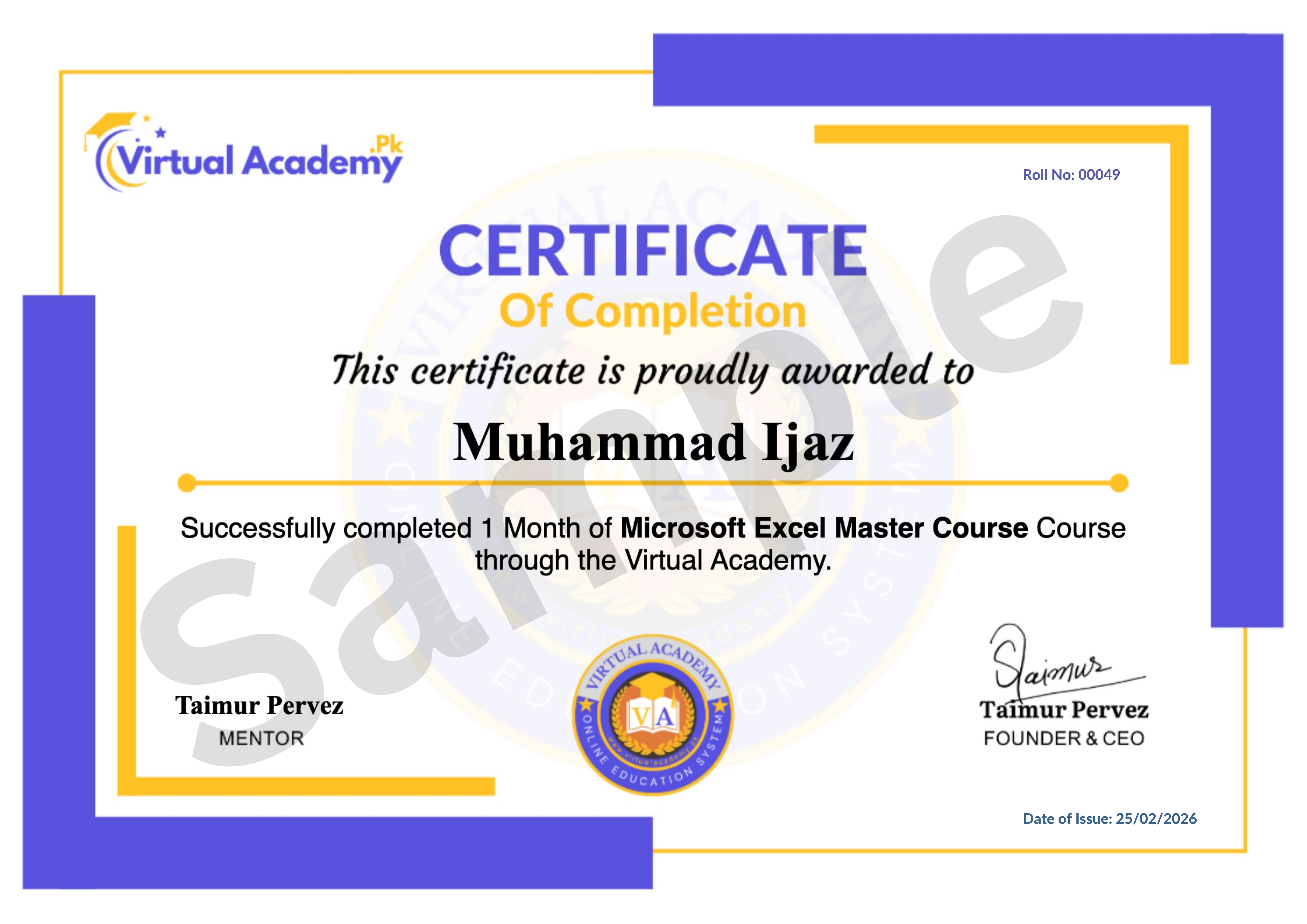
This course is hosted on the Virtual Academy LMS (www.virtualacademy.pk). Upon successful completion, you will receive a Registered Diploma or Certificate that you can add to your resume, portfolio, or LinkedIn profile.
To earn your certificate, you need to:
- Complete all chapters on the LMS
- Pass the quiz for each chapter
- Submit any required assignments or projects
Once completed, your diploma will be available to download directly from the LMS.
Why Enroll Now?
Video content is in higher demand than ever, and editing skills are valuable for creators, marketers, and businesses alike. Learning Filmora now means you can start producing professional videos and building your own brand or career sooner.
One-time payment. Lifetime access. Lifetime updates. Zero risk.
Need Help? Contact Us on WhatsApp
Have any questions about the course? Feel free to reach out to us on WhatsApp. We try our best to reply within 30 minutes to 1 hour.
Message us anytime, and our team will guide you regarding the course, enrollment, or any other queries you may have.
WhatsApp: wa.me/923215124534
Enroll today and start your journey toward mastering professional video editing with Filmora.
Course Details
- Filmora Introduction
- Instant Mode Editing
-
Screen Recorder Guide (Locked) 03:35 Min

-
Chapter 1: Getting Started with Filmora (Locked)
No Notes available for this chapter
-
AI Tools Overview (Locked) 06:15 Min
-
AI Copywriting & Cutter (Locked) 04:05 Min
-
Advanced AI Features (Locked) 11:05 Min
-
Chapter 2: Filmora AI & Smart Tools (Locked)
No Notes available for this chapter
-
Create & Save Projects (Locked) 07:13 Min
-
Mastering Timeline (Locked) 12:32 Min
-
Chapter 3: Project Setup & Timeline Editing (Locked)
No Notes available for this chapter
-
Add Stock Media & Audio (Locked) 09:51 Min
-
Titles & Text Graphics (Locked) 08:24 Min
-
Smooth Transitions (Locked) 03:21 Min
-
Creative Effects (Locked) 05:40 Min
-
Fun Stickers (Locked) 03:24 Min
-
Quick Templates (Locked) 05:37 Min
-
Chapter 4: Enhancing Your Media (Locked)
No Notes available for this chapter
-
Color Grading (Locked) 15:10 Min
-
Audio Editing (Locked) 13:05 Min
-
Motion Tracking & Stabilization (Locked) 04:09 Min
-
Speed Controls (Locked) 06:51 Min
-
Animations (Locked) 11:38 Min
-
Chapter 5: Professional Editing Techniques (Locked)
No Notes available for this chapter
Meet Your Instructor(s)

.png)
 Level
Level
 Duration
 Chapters
 Quizzes
 Certifications
 Language